
Samsung will never release Android 16 for the Galaxy Note 10+ but there are some developers that got you covered.
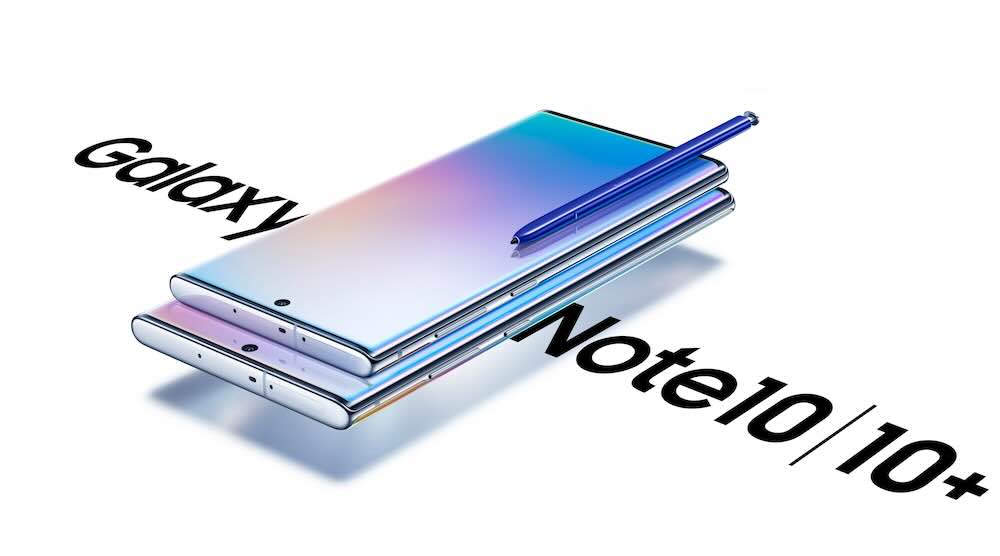
You will Note 10+ TWRP to flash this as this is a 3rd party ROM. Follow these steps. You will also need ADB on your computer.
- Download recovery and firwmare for Note 10+. If you have Note 10+ 5G, then use this ROM.
- Boot to recovery.
- While in recovery, navigate to Factory reset -> Format data / factory reset and confirm to format the Note 10+.
- When done formatting, go back to the main menu and then navigate to Apply update -> Apply from ADB.
- adb sideload rom.zip (replace “rom” with actual filename)
- This step is required if you want your ROM rooted. Reboot to recovery (fully) to sideload any add-ons, for instance Magisk if you want root.
- Reboot to system.
There is no need to flash Gapps as they are already included in the ROM. This ROM is near perfect – everything works as expected.