
Custom recovery TWRP is now available for flash for the Samsung Galaxy S21 FE 5G. Made for the Snapdragon variant, this TWRP is thoroughly tested. Everything is working outside the box, including the touchscreen, ADB/MTP, sideloading, backups, logs and decrypt.
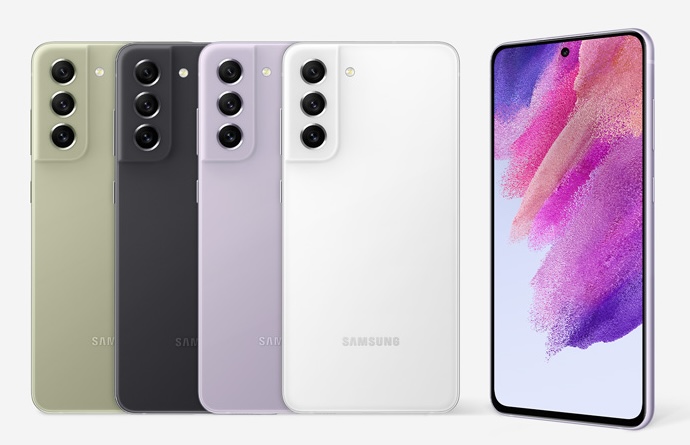
Here are the steps to install TWRP on your S21 FE 5G.
You will need unlocked bootloader on your S21 FE.
Download TWRP-R9Q.tar.zip (TWRP) from here on your windows computer. Macs are not supported. You will also need ODIN on your computer.
Unzip file that you just downloaded.
Reboot to download mode
Select the file downloaded in the AP slot in Odin
Disable auto reboot in Odin.
Flash. Power + VOL DOWN for reboot and press Power button + VOL UP directly after screen blank and hold till TWRP screen pops up.
That is it, you have successfully flashed TWRP on the S21 FE 5G.
The TWRP for S21FE is totally open sourced and free from bugs. Keep in mind that while you can install TWRP on the S21FE, you will lose all sort of warranty. But if you bought back in 2022, warranty would have been out already.