
TWRP team has released custom recovery for the Samsung Galaxy S21 Plus that works even with the latest ROMs. To install this S21 Plus TWRP, you must disable vbmeta before installing.
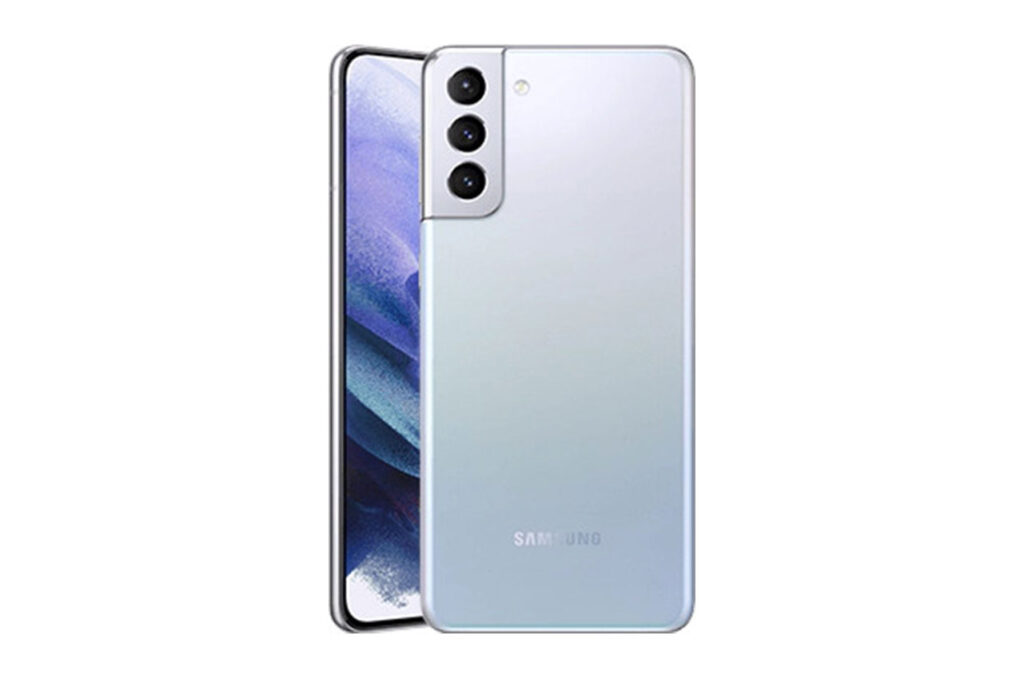
Flash the TAR via odin, or the IMG via any custom recovery to the recovery partition. This one is only for the Exynos processor so if you have Qualcomm processor, download this one.
1. Unlock your bootloader.
2. Download S21+ tar.
3. Reboot to download mode
4. Put the TWRP TAR for your device with Odin in the AP slot, vbmeta_disabled_R.tar in USERDATA slot and click start.
5. Reboot to recovery via recovery key combo (Vol up + power + USB connected).
6. Disable encryption:
– Go to Advanced > Terminal, type: multidisabler.
If vendor complain about free space left on device, will attempt to resize vendor. and it ask to -
Run multidisabler again!.
– Type: multidisabler again. You will see - Finished. when done.
– Go back to Wipe > Format Data > type yes.
– Reboot to recovery.
7. Flash magisk apk in twrp.
System and vendor mounting for gsi flashing is also supported. Once you install this TWRP, you will lose warranty on your S21 Plus but since it is an old model already, you are not losing much anyway.
ast boot up
Multidisabler added as an addon
WETA reboot tile added as and addon
Magisk 23.0 installer and uninstaller
Magisk module manipulation