
Samsung Galaxy Fold 6 will be getting the next major update in One UI software, v9 very soon. Samsung has already started rolling out beta version to enrolled users and initial reports are very promising. Most are confirming smoother experience. Stability is also said to be rock solid despite it being a beta.
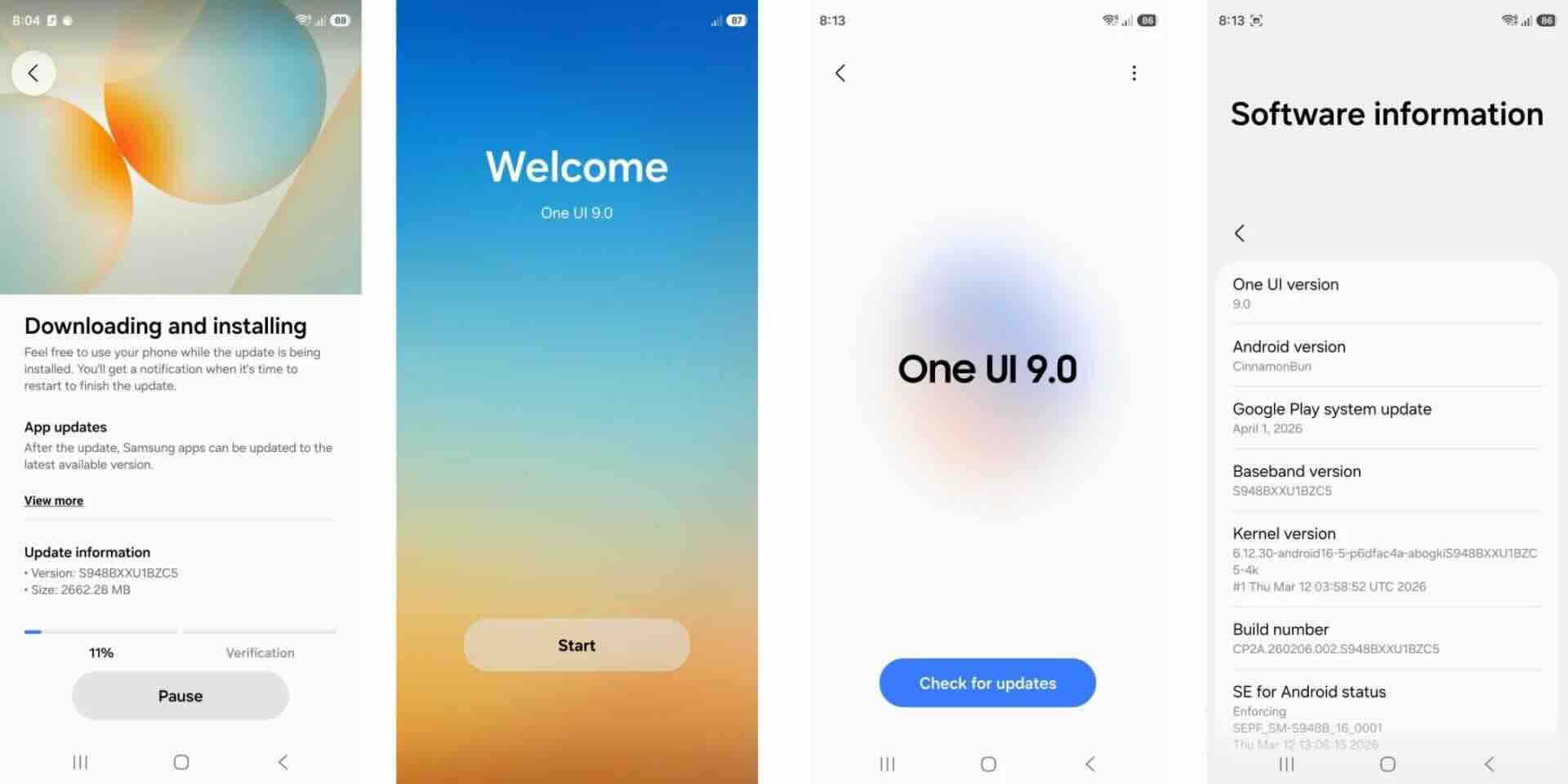
How to install Samsung One UI 9 on Galaxy Fold 6?
Update files:
Fold 6 SM-F956B download link
SM-F956U1 download link
These are beta 1 version of One UI 9. Beta 2 is yet to made available for Fold 6. It is still vastly better than the One UI 8.5 that has so far been a disappointment.
First, Install the sideload app from here. Then, Install Shizuku app from here.
Make sure you have enabled USB debugging and wireless debugging from Developer options. Now, rename the downloaded file to update.zip or anything you like. Just make sure there are no spaces in between. Now,put the update file in internal storage.
Open Shizuku app and follow the rest of the steps. Once done with Shizuku, open the sideload app.
Select sideload and choose the update file to start the update. Your Fold 6 will boot up once the update has successfully flashed.