
Custom recovery called Orange recovery is now available for the Samsung Galaxy A22 5G android phone. This will allow you to install third party ROMs on your Galaxy A22.
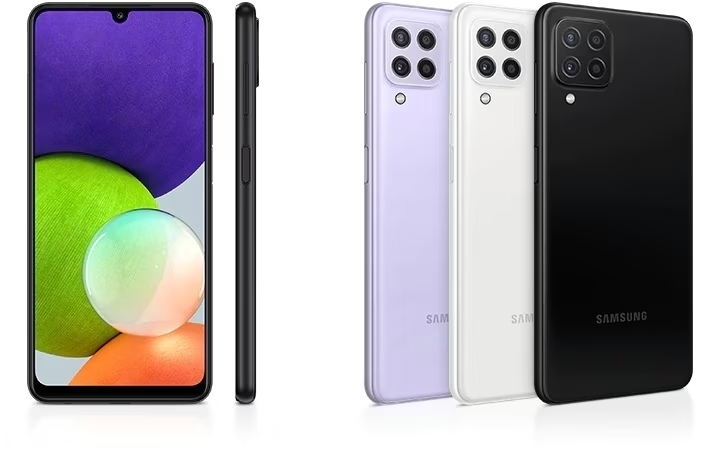
Here is how to flash the custom recovery on Samsung A22.
Download the custom orange recovery on your windows computer. Then, the flash the tar file, in odin with recovery in AP slot. It shall be noted that Disabled vbmeta (or nulled) should not be flashed on USERDATA instead flash it on AP.
Once you have TWRP installed, you will be able to install 3rd party ROMs or hacks with ease. Of course that will void the warranty and you also would not be able to get updates.
For warranty or any other purpose, if you want stock ROM back, download the stock recovery from here and install it using ODIN with recovery in AP slot.