
Custom kernel for the Samsung Galaxy A22 is now available. This kernel has Samsung restrictions disabled, and more CPU governors are added. It is also optimized for performance. More CPU governors implies you can overclock or underclock your A22 android phone.
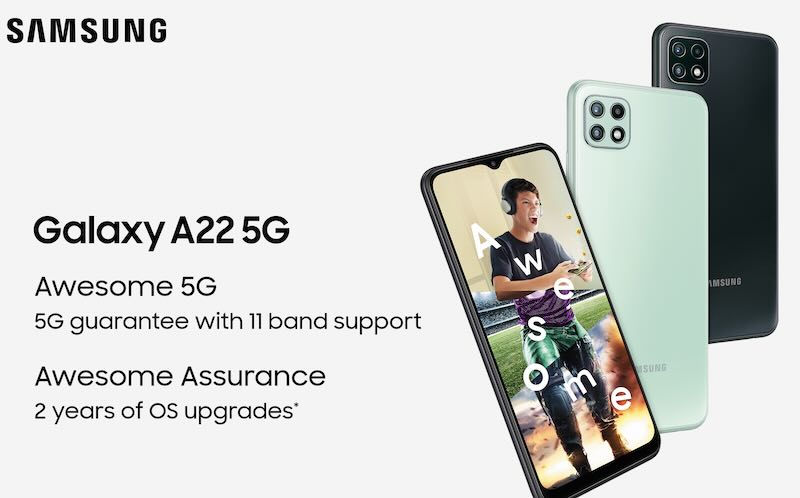
To install this custom kernel on your Samsung A22, you will need to have a custom recovery like TWRP, which will obviously void your warranty.
Download from here and move the package to root of your device. Then, boot into TWRP and install the package from there. You might get an error message during installation – just ignore it.
It is also possible to install the package directly from your computer and push it to your A22. For that, follow these steps.
Install adb tools on pc
Connect to PC
Copy zip file to adb folder on pc
Open terminal on pc
Navigate to adb folder
Type
adb file.zip
Once you have the kernel installed on your A22, fire up Play Store and install any app for controlling the clock of your A22. After that, you can easily underclock or overclock your A22 on the go. For saving battery life, you can underclock and for gaming, you can overclock your A22.