Download TWRP For Nexus 5

TWRP touch recovery is available for download for the Nexus 5 phone. TWRP provides same functionality as CWM, but lets user interact with the phone using touchscreen (no more volume rocker or power buttons to press).

Download TWRP For Nexus 5

To download TWRP to your Nexus 5, follow these steps.

1) Install GooManager from the Play Store
2) Open GooManager and provide root permissions
3) Hit Menu (or the button with the 3 dots on your screen) and then Install OpenRecovery

HTC One Max: Download Unlock Root, S Off, TWRP, CWM, Lock, Super-CID

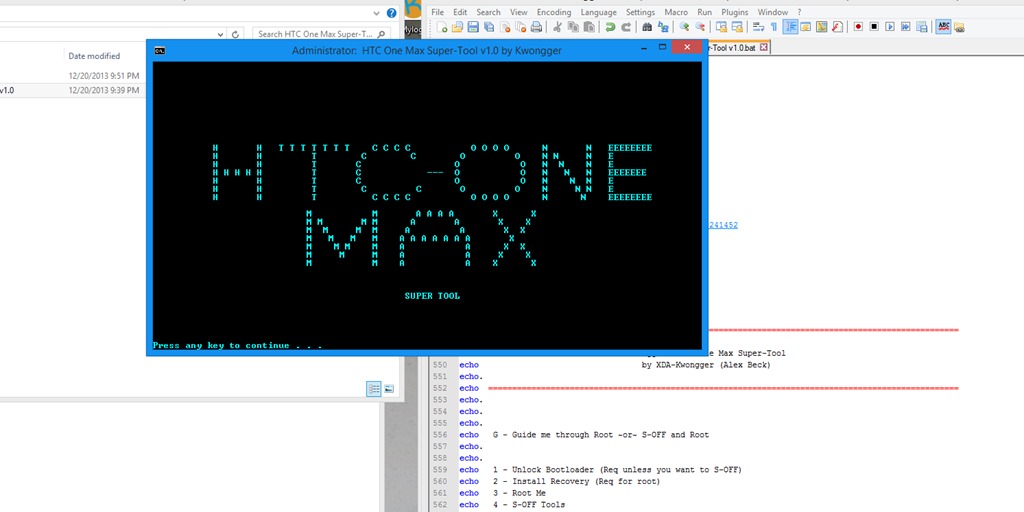
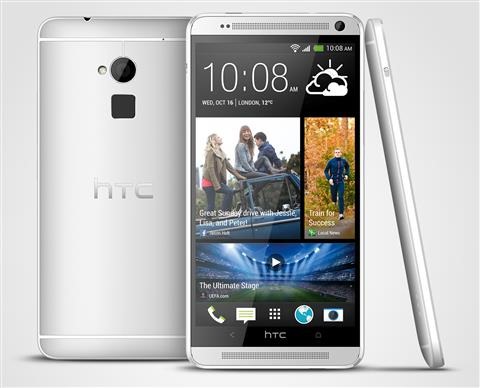
An XDA user has released an all in one tool that can Unlock, Root, S Off, TWRP, CWM, Lock and even Super-CID your HTC One Max – it is indeed the super tool. Just keep in mind that rooting void your phone’s warranty. The super tool works with all editions of HTC Max (including sprint and verizon variants).

HTC One Max Download Unlock Root, S Off, TWRP, CWM, Lock, Super-CID

Continue reading “HTC One Max: Download Unlock Root, S Off, TWRP, CWM, Lock, Super-CID”

Download, Install Omni For the Oppo N1

Omni has now been ported to the Oppo N1 Android phone. Make sure you do a backup of everything important you have on your phone because after installing it, data will be lost. You also need to have TWRP on your phone.

Download, Install Omni For the Oppo N1

Download it from here. Since there are no pre installed Google Apps, you should separately install them from here (no big deal if you do not need it).

You will have to flash it using TWRP – stock recovery would not work if you want to install custom ROMs. To do that, download the file and put it on your SD card. Get into recovery and select the file in TWRP and flash it.

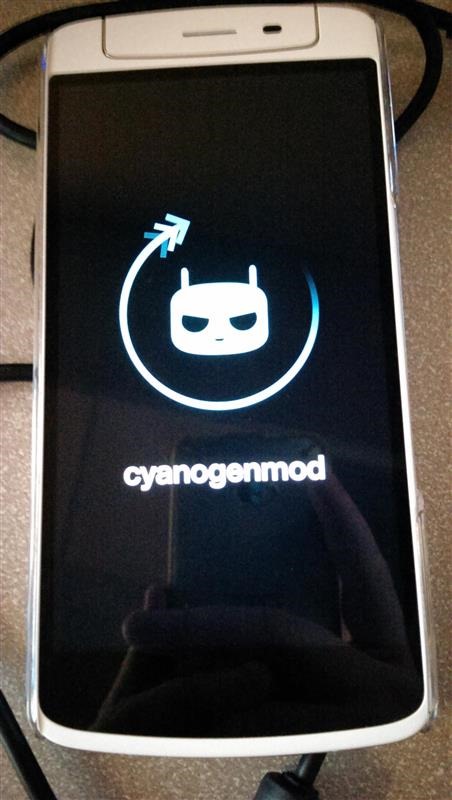
Download CM on Oppo N1

This tutorial will explain how to download CM and install it on your Oppo N1 Android phone. Before you proceed, make backup of anything important you have on your phone. After you done with that, make sure you have TWRP as your recovery. Stock recovery would not work.

Download CM on Oppo N1

Second, it is important to be on stock ROM. It does not matter if you are rooted or not. Now, download the fully flash able ZIP from here. Put it on your SD card and reboot to recovery and flash the ZIP from there.

You are not done yet. Reboot into TWRP and go to Advanced Wipe -> Wipe Dalvik Cache, Cache, and Data.