KS-Pro Specifications: KS-Pro laptop launched with Snapdragon 835

KS-Pro UMPC with Snapdragon 835 looks like the successor to the now-outdated Sony Vaio P that made massive splashes back in 2009. This very product, like the Vaio P will also run Windows 10. KS-Pro specifications include 8.2 inch AMOLED display that packs a whopping WQHD 2560×1440 resolution. It will support touch input as well and we all know how well windows 10 works with touchscreens.

KS-Pro Specifications (2)

Continue reading “KS-Pro Specifications: KS-Pro laptop launched with Snapdragon 835”

Vegas Movie Studio 14 Review: Is it any good?

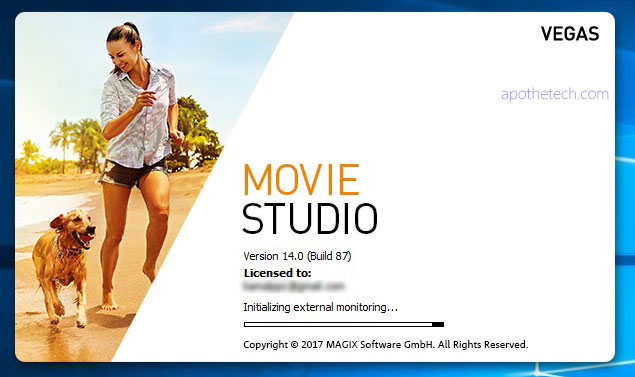
This is the review of Magix Vegas Movie Studio, an is an excellent video editing app that is great for both amateur and professionals. Installation was simple and straightforward. Just make sure you have a gig of space free on your computer. While I have some video editing experience, I never had used a professional video editing app like Vegas Movie studio, Adobe Premier Pro etc. But the app has pretty amazing built in tutorial which guides you like a little kid.

Magix Vegas Movie Studio 14 Review

Continue reading “Vegas Movie Studio 14 Review: Is it any good?”

Galaxy Note 1 N7000 gets Android 7 Nougat: Download Android 7 for Galaxy Note 1

Samsung released the Galaxy note 1 back in 2011 and it is interesting to note that there is still a plenty of development going for it. Infact, you can download the latest android 7 nougat for it thanks to folks behind Lineage OS that was launched a firmware for it. If you running stock Samsung ROM, follow these steps.
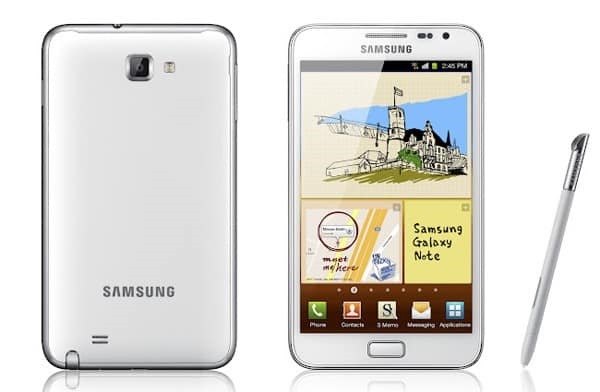
Download Android 7 for Galaxy Note 1

1.flash N7000ZSLR1_N7000OZSLR1_BRI (or any other other 4.1.2) stock rom using odin
2.Copy Rom + Google Apps to your sdcard.
3.flash PhilZ-cwm6-XXLT6-XSA-5.06.1.tar.md5 to get cwm recovery by using odin or mobile odin
4. boot into recovery
5. flash this kernel to get an updated recovery
(this step will make your old rom unbootable stuck in the n7000 screen but you can boot into recovery with press and hold "home" and "volume+" buttons and power on your phone)
6. you need to reboot! your device now to recovery
7. you are now in the updated recovery and you need to do a factory reset + format the /system partition
8. you can now install the rom and gapps and reboot your device.

If you are having problem installing application, we suggest doing a repartition your phone and make more space. Just replace the files used in step 16 with the one we used for cm14/android7.

To enable root on N7000 in this ROM, follow these steps.

1. Go to Settings-About phone and tip 7 times on Build number to enable the Developer options
2. Go to Settings-Developer options-Root access and set it to Apps and ADB

Rapoo E2710 and E6700 wireless keyboards launched: Rapoo E2710 E6700 specifications

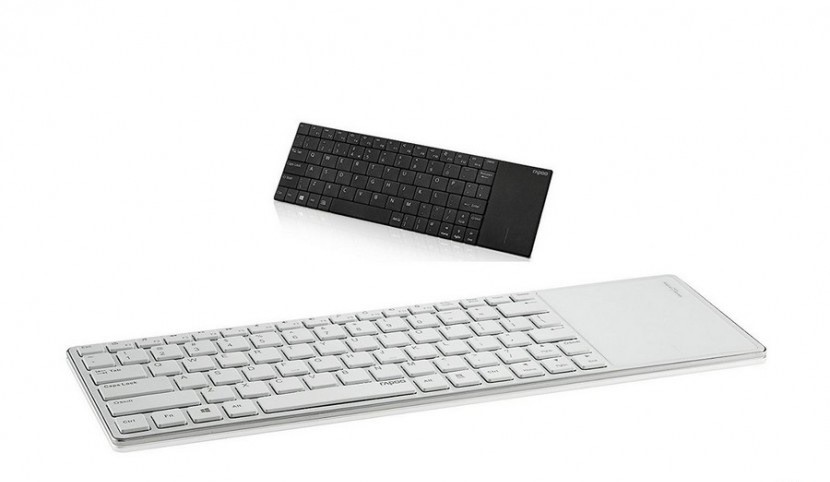
Rapoo E2710 E6700 review

Rapoo E2710 and E6700 have been launched and we have their specifications available as well. These two are Wi-Fi and Bluetooth keyboards respectively which will be preferred by those who hate those wireless dongles. They will also be loved by those who like to type comfortably sitting on your sofa at home, without worrying about the usual cables.

Continue reading “Rapoo E2710 and E6700 wireless keyboards launched: Rapoo E2710 E6700 specifications”

Enable FM Radio on Microsoft Lumia 950 and Lumia 950XL

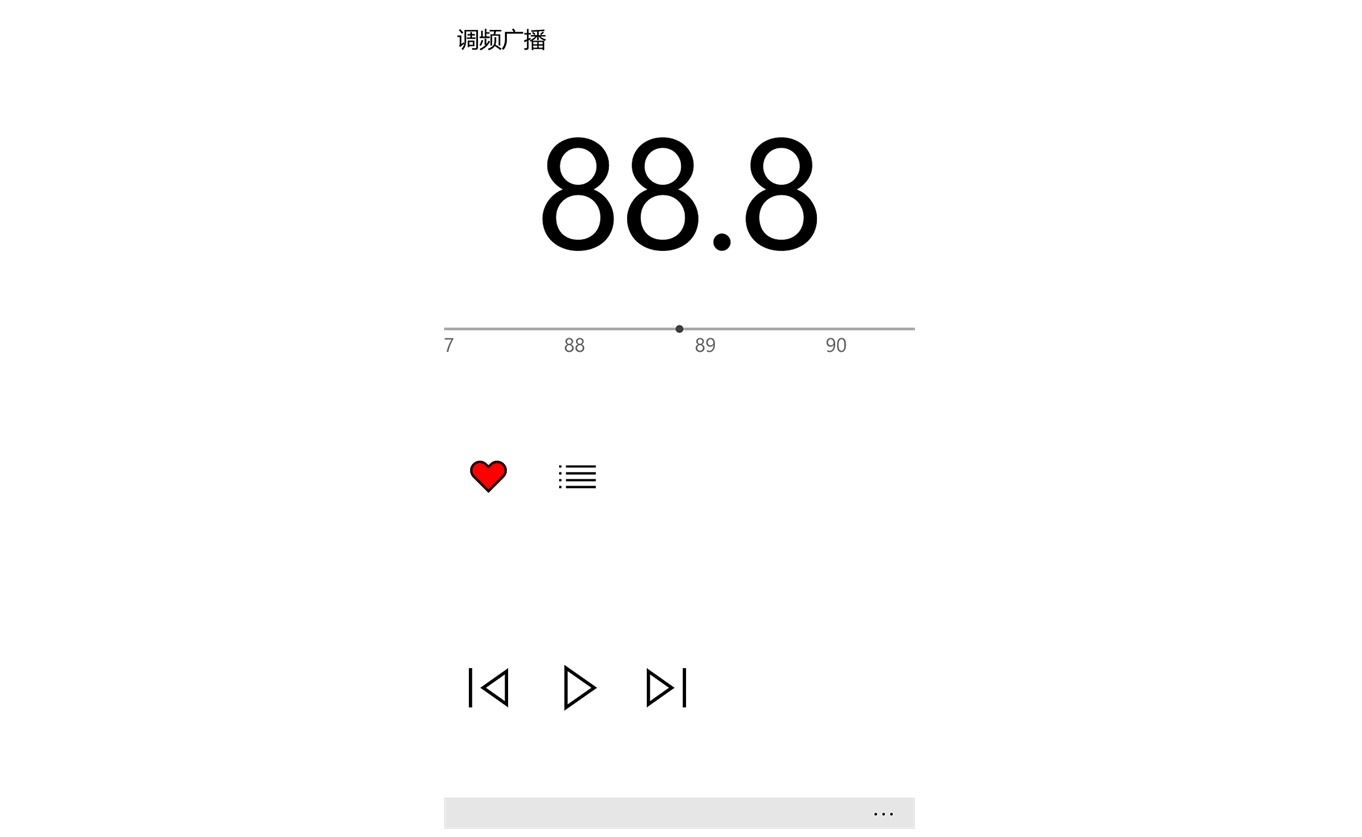
Enable FM Radio on lumia

It has been a while since Microsoft removed the official FM radio app from windows phone. A lot of people complained about it as the stock FM radio app on the Lumia and other windows 10 mobile devices was working just fine. Another reason why so many people were complaining about the removable of FM radio app is the fact that all the apps available on the store were either paid or have advertisements inside the app which can ruin user experience.

Continue reading “Enable FM Radio on Microsoft Lumia 950 and Lumia 950XL”

LG V10 Rooted Stock ROM: LG H901 V10 Busybox rooted firmware

If you do not like messing with system and want root access, check out this LG V10 firmware that is stock, rooted and has busybox installed. The only requirement is you need to have LG V10 TWRP pre-installed. This ROM is only for the H901 variant.

LG V10 Rooted Stock ROM

It is completely stock, so even the junkware is there but since you have root, you will be able to uninstall it using any root tool. You can download the ROM from here.

Use the TWRP to flash it. Wipe is not needed but we advise to do it to avoid dealing with unexpected bugs later. It is understood and obvious that after installing this pre rooted ROM, you will not receive any OTA update but you can simply flash stock ROM again to get to that. For the geeks, this ROM only reflash the system and boot partitions. It does not overwrites recovery.